
Virtual reality (VR) has revolutionized the way we create and experience art, it’s certainly changed my art practice in many ways. VR sculpture is a unique and exciting form of art that enables artists to create three-dimensional sculptures in a virtual space. VR headsets and software have become more accessible and affordable, making it easier for artists to explore this new medium with the advancement of technology. As a VR Performance artist, one of the main questions I’m asked in person and online is how to get started in the medium. In this article, we will learn how to get started 3D sculpting in VR!
First step in getting into VR sculpture is to acquire the necessary equipment, the basics you will need are a VR headset and the Gravity Sketch app. The VR headset allows you to enter a virtual space and interact with your sculpture in a 3D environment, while the Gravity Sketch app is the software that allows you to create your sculpture. There are several VR headsets available on the market, such as the Oculus Meta Quest 2, HTC Vive, and Valve Index. Choose the one that suits your needs and budget, I got the Meta Quest 2, use this link to get a $30 Meta Quest Store Credit when you buy a MQ2 or MQPro.
Once you have your VR headset and the Gravity Sketch app, which is a free app on the meta quest App Store, it’s time to start creating. You can make a free account that gives you 1G of cloud storage for your 3D creations that you can access from your desktop or phone.
The first thing you’ll notice is that VR sculpture is a lot like traditional sculpture, except that you’re working in a virtual space. There are some great tutorials built into the VR app which guide you through all the tools, START THERE! You can use the Gravity Sketch YouTube and Discord for any questions that you may have as you go.
You can use the tools provided by the Gravity Sketch app to create shapes, move them around, and adjust their size and orientation. You can also use the app to apply different textures and colors to your sculpture.
One of the benefits of VR sculpture is that you can work at any scale you want. You can create sculptures that are smaller than your hand or larger than a building. This allows you to experiment with different sizes and see how your sculpture looks from different angles. You can also use the app to change the lighting and atmosphere of your virtual environment, allowing you to create different moods and atmospheres for your sculpture.
Another advantage of VR sculpture is that you can collaborate with other artists from anywhere in the world. The Gravity Sketch app allows you to share your work with other artists and collaborate on projects in real-time. This opens up new possibilities for creative expression and allows artists to work together in ways that were previously impossible.
In conclusion, VR sculpture is an exciting and innovative form of art that enables artists to create three-dimensional sculptures in a virtual space I hope this will help you on your journey to learn how to get started 3D sculpting in VR! Remember to get started, you will need a VR headset and the Gravity Sketch app. Once you have the equipment, you can start experimenting with different shapes, sizes, and textures to create unique and captivating sculptures in the app!
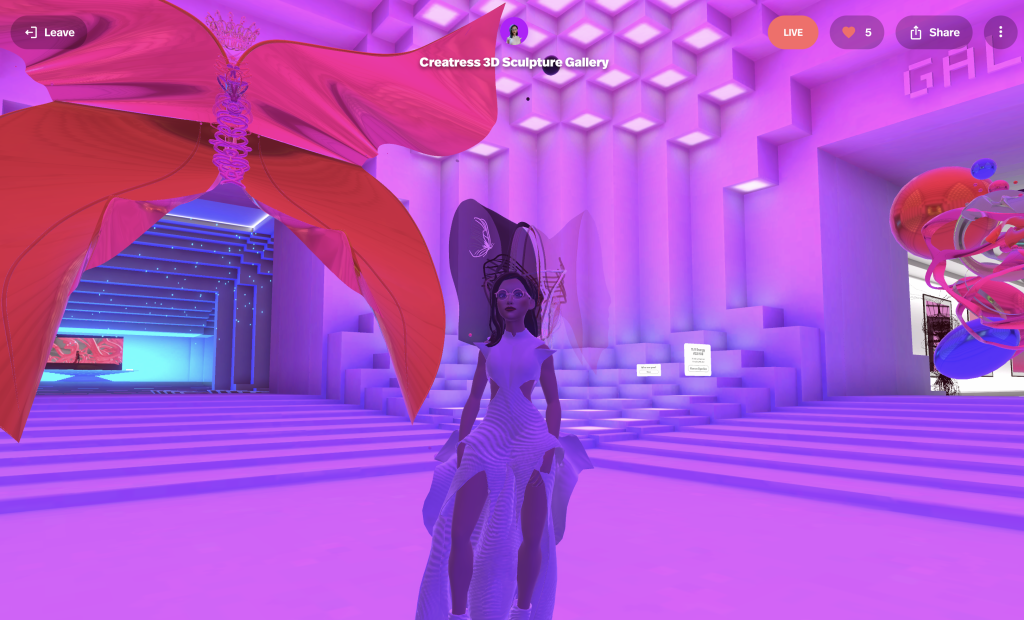
VR sculpture offers endless possibilities for creative expression, and we can’t wait to see what artists will create in this new medium. Check out Creatress’ 3D sculpture gallery and see what she has created in her first few years sculpting in VR, and explore her official website where you can learn more about the events she has performed at, and book her for future events as well .